Create AI-generated images from text prompts or reference photos.


Choose a model for photorealistic AI photos, stylized art, posters, or image editing — then create and refine every visual in one workspace.
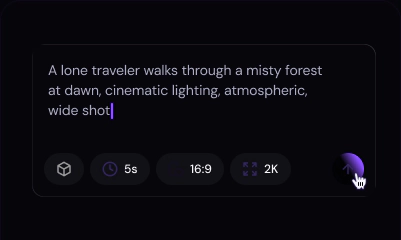
Start with a text prompt or reference image, choose a model and settings, then generate, refine, and export.
Generate Image
Use text-to-image AI to create a new image from a prompt, or upload a photo for image-to-image AI editing.

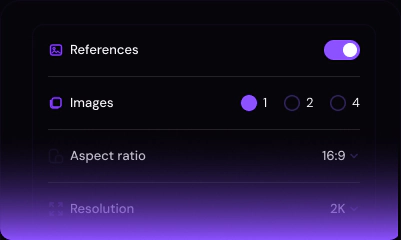
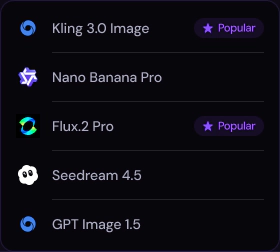
Select a model, aspect ratio, and resolution for the image you want to create.

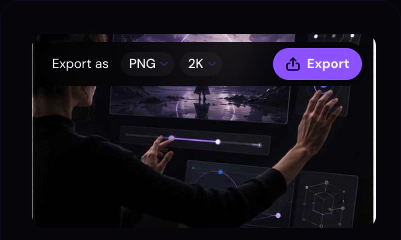
Preview the result, refine details with the AI photo editor, then download your final image.
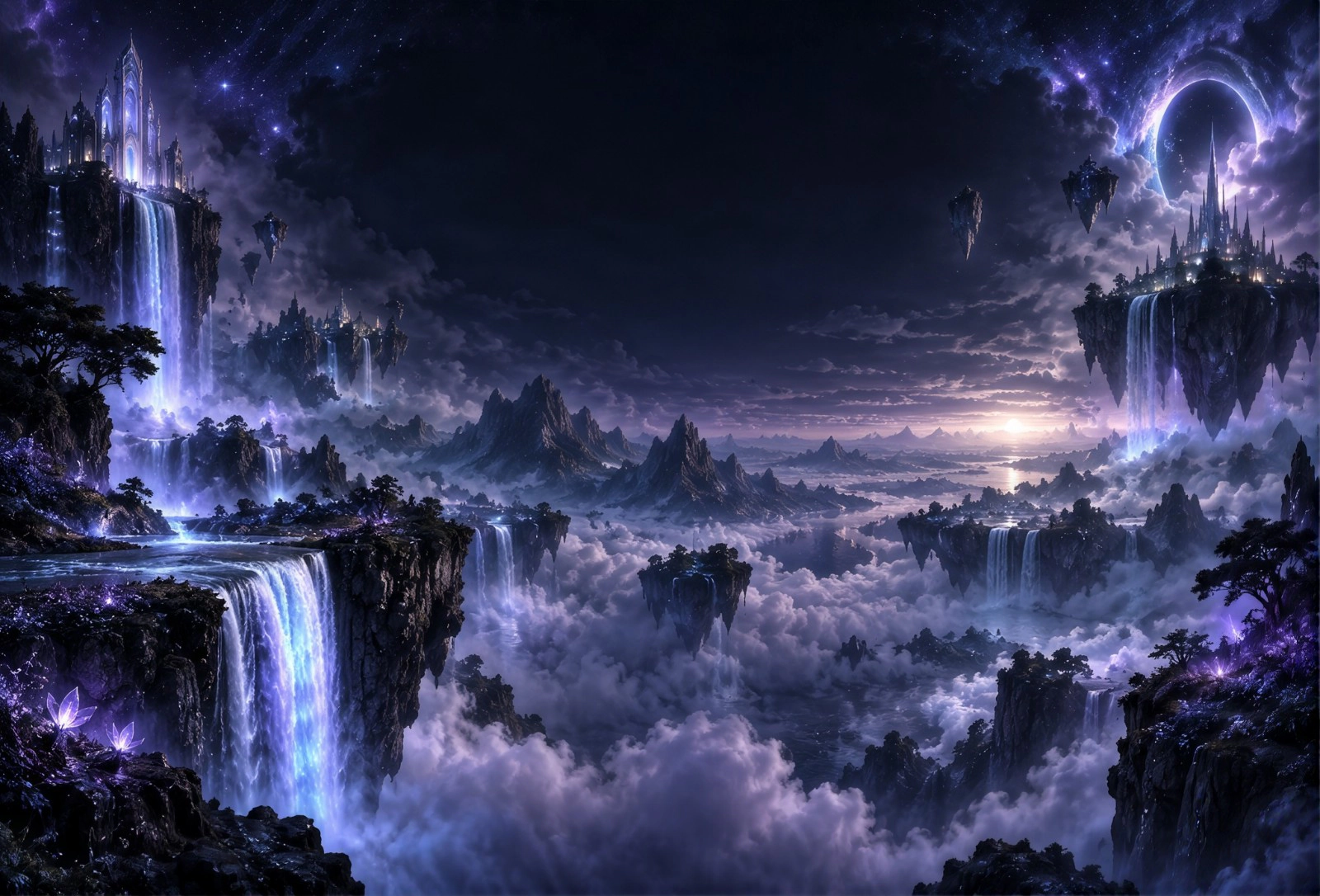
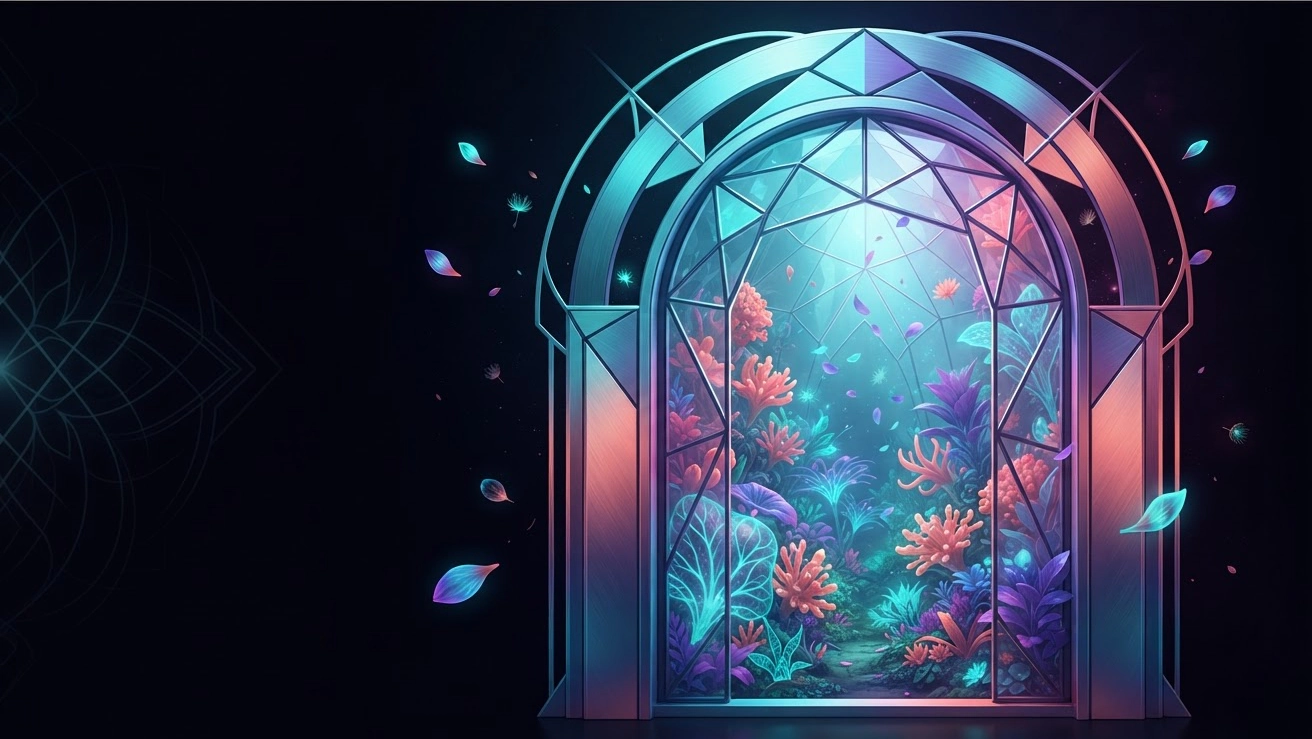
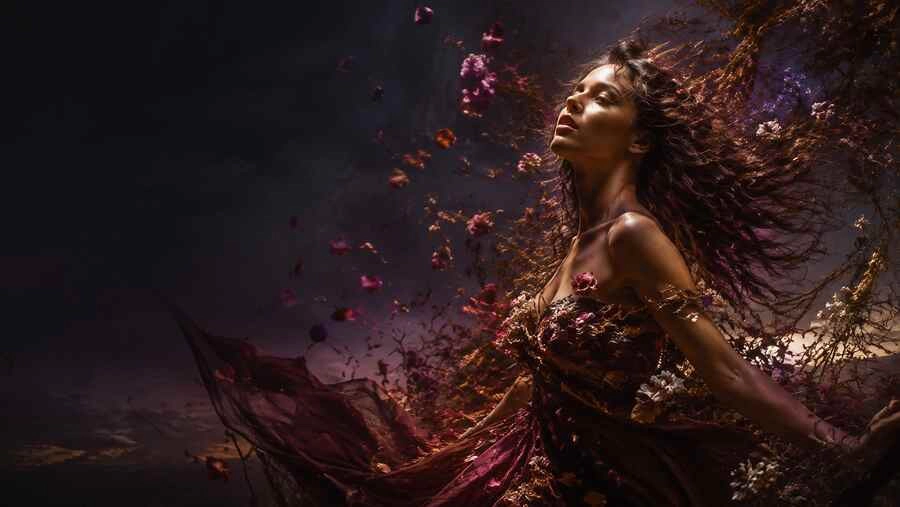
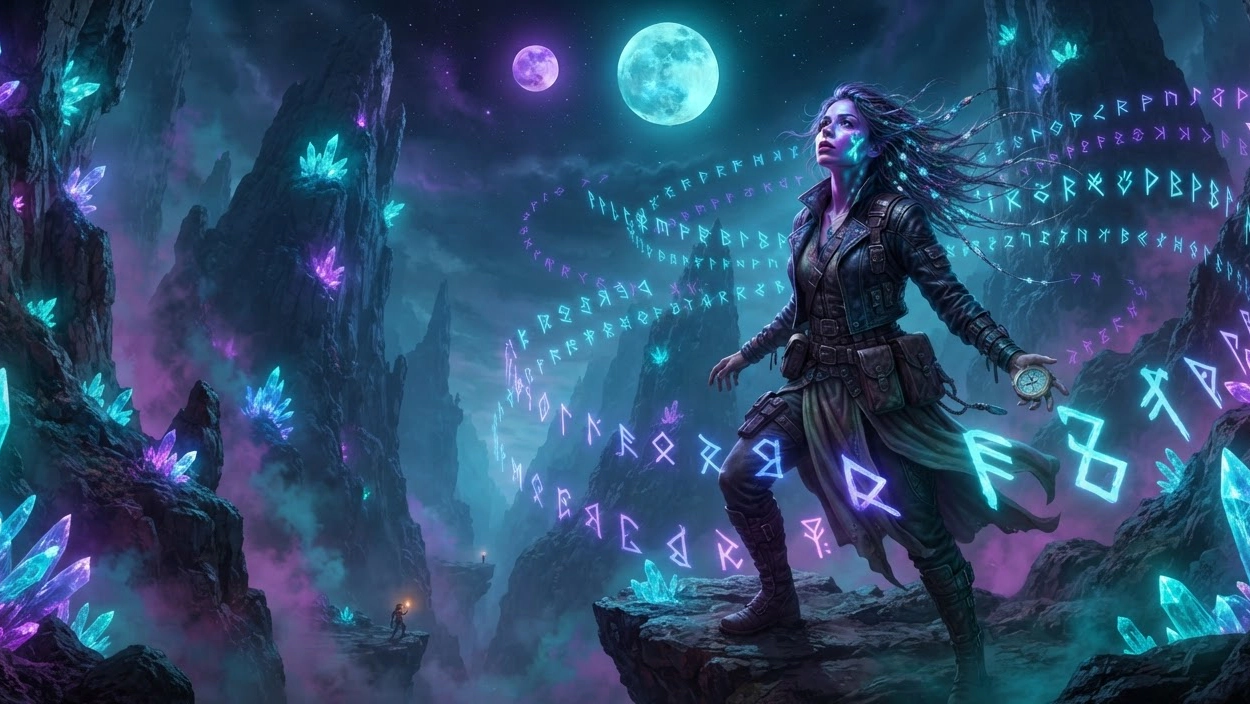
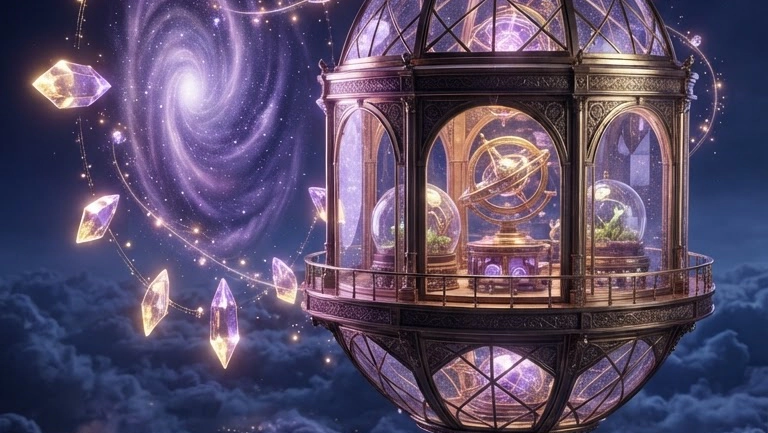
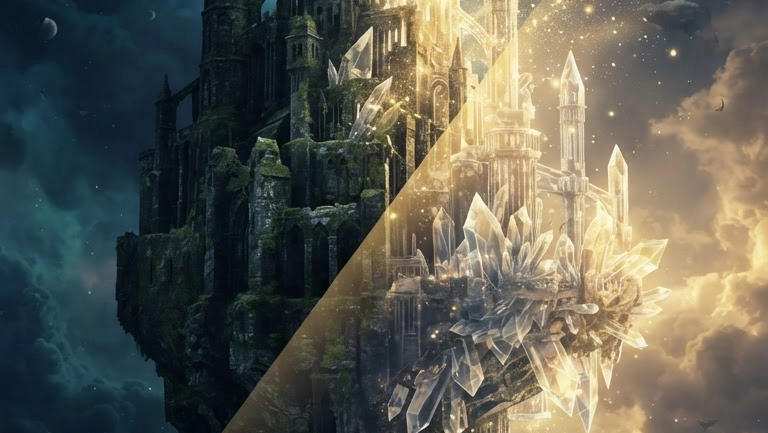
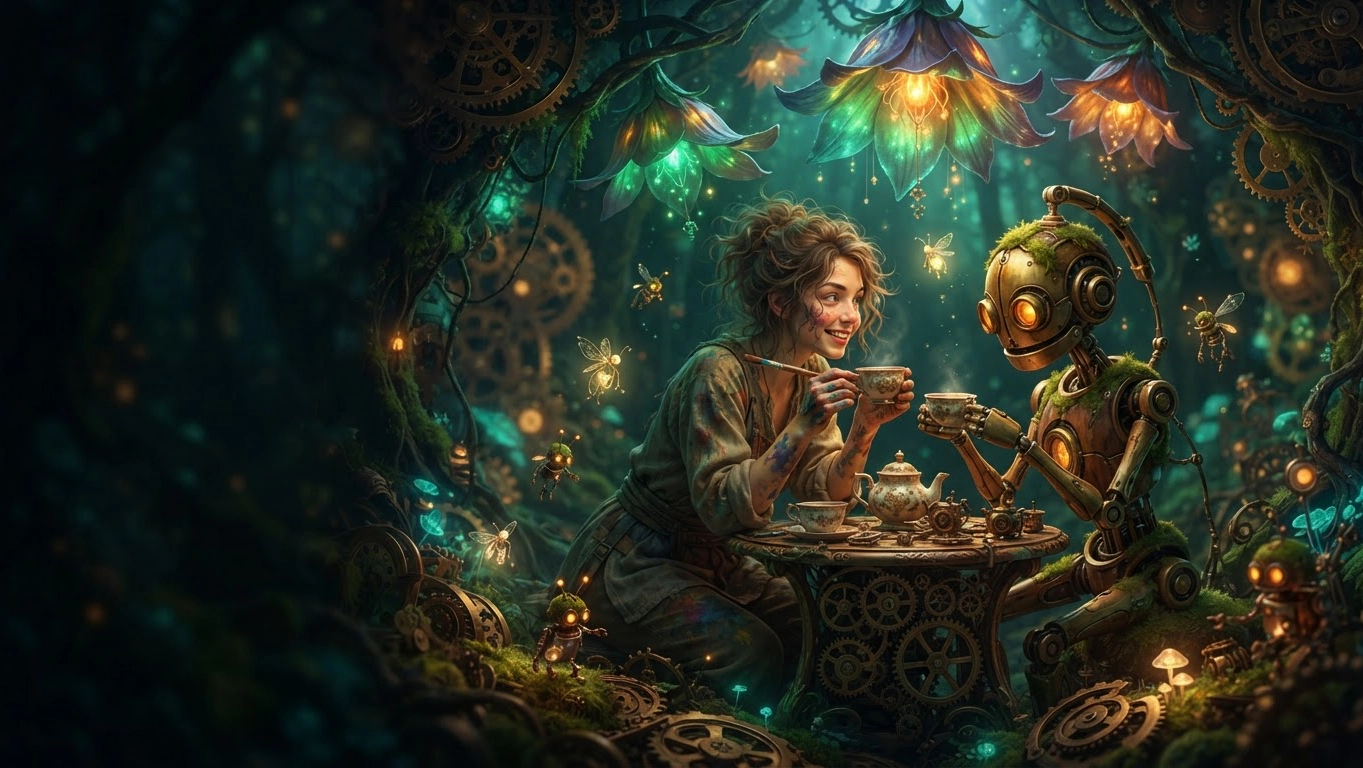
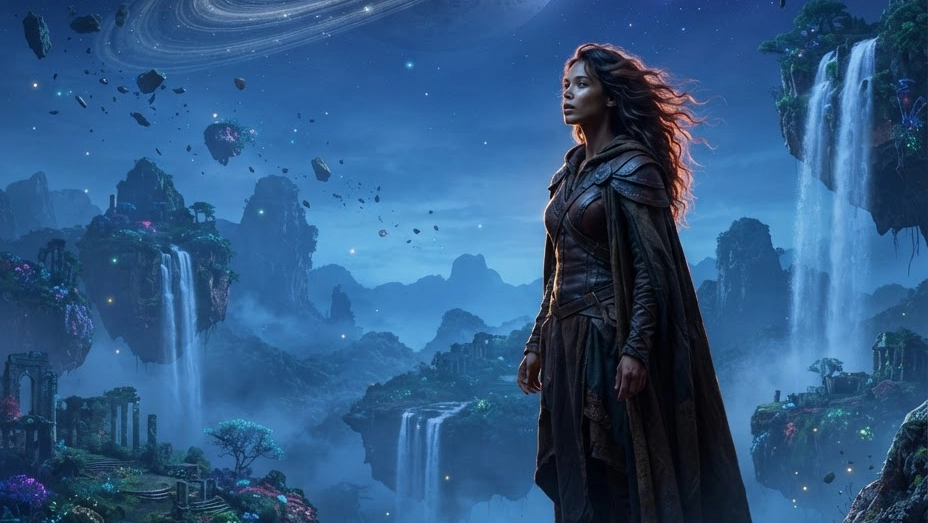
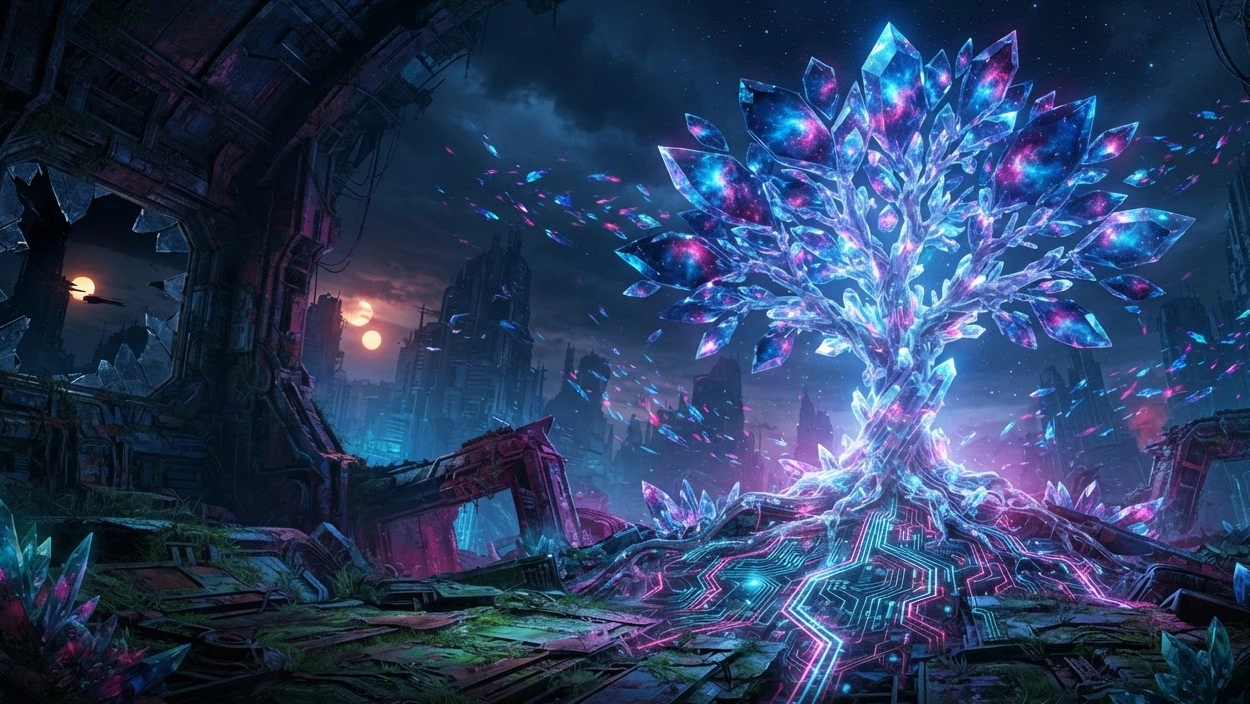
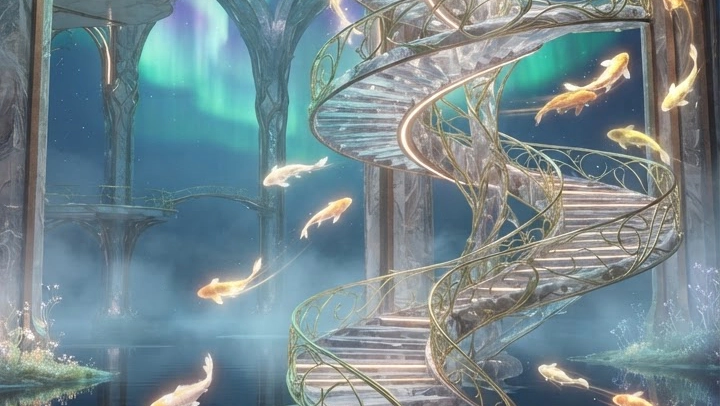
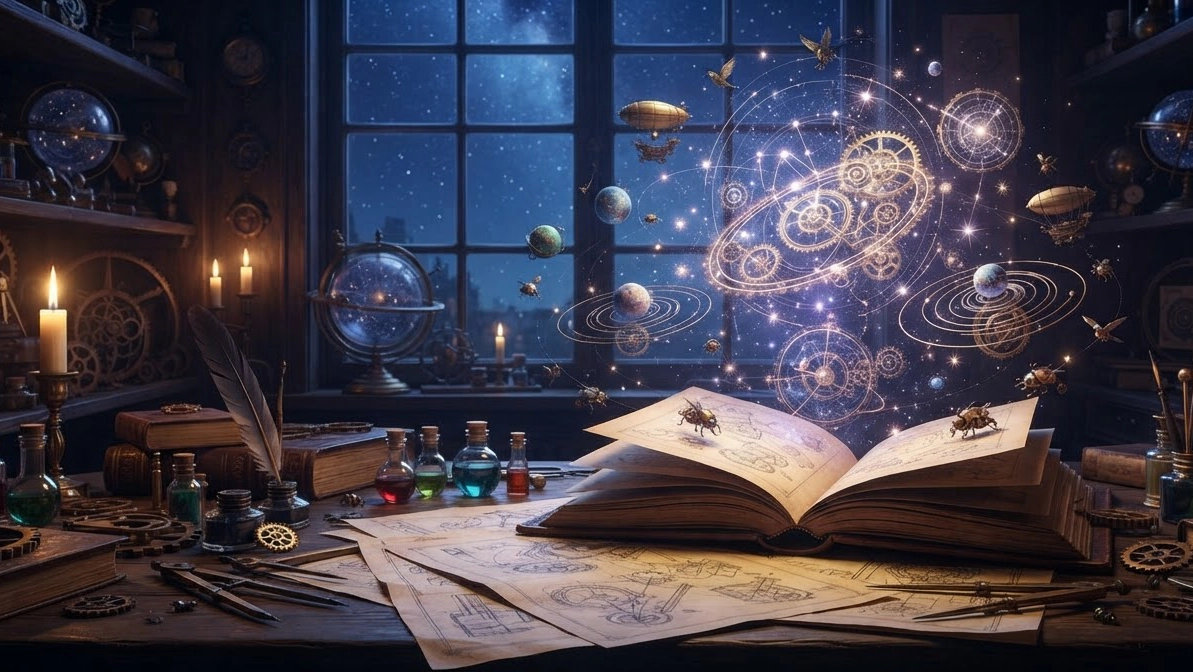
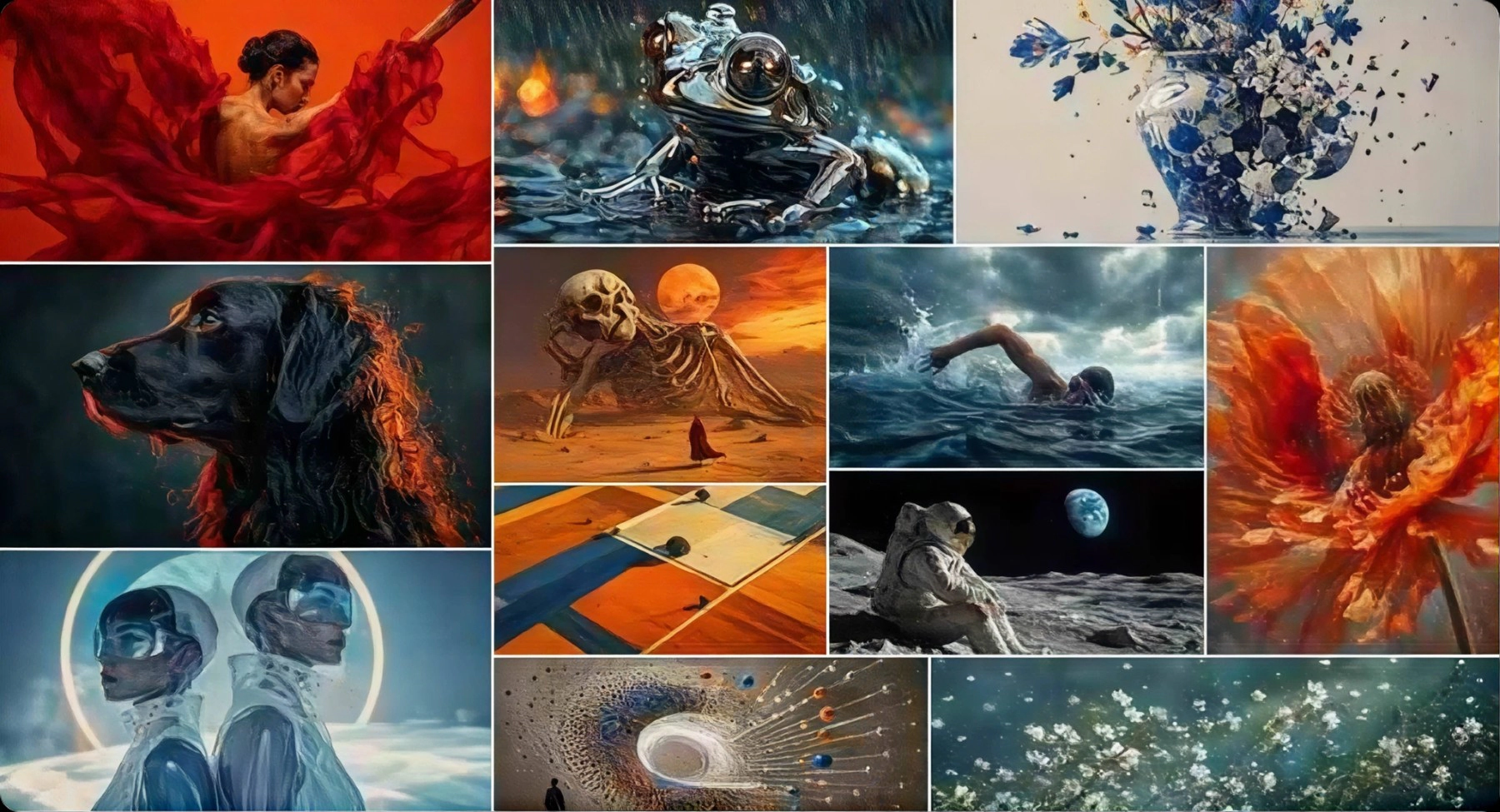
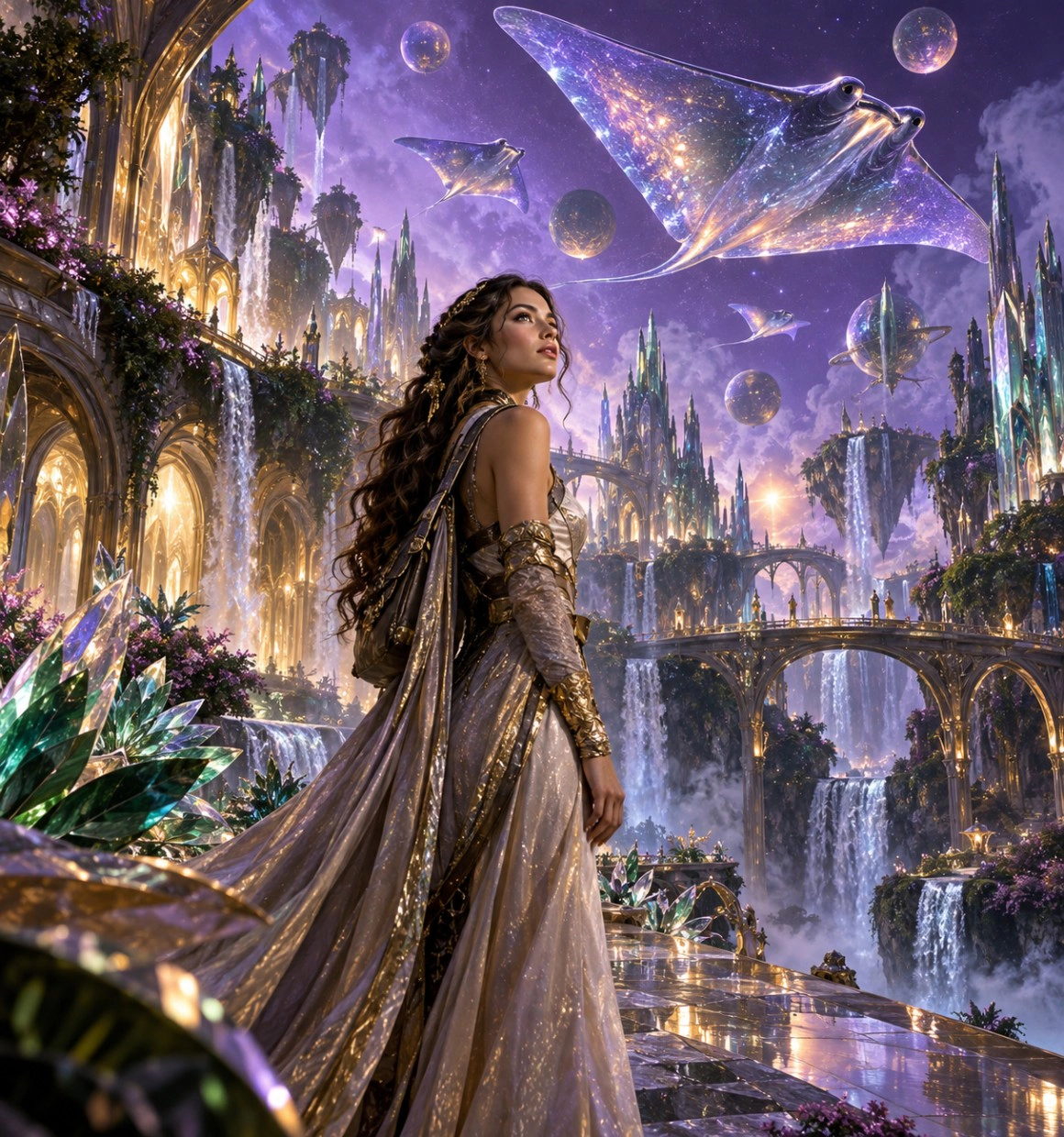
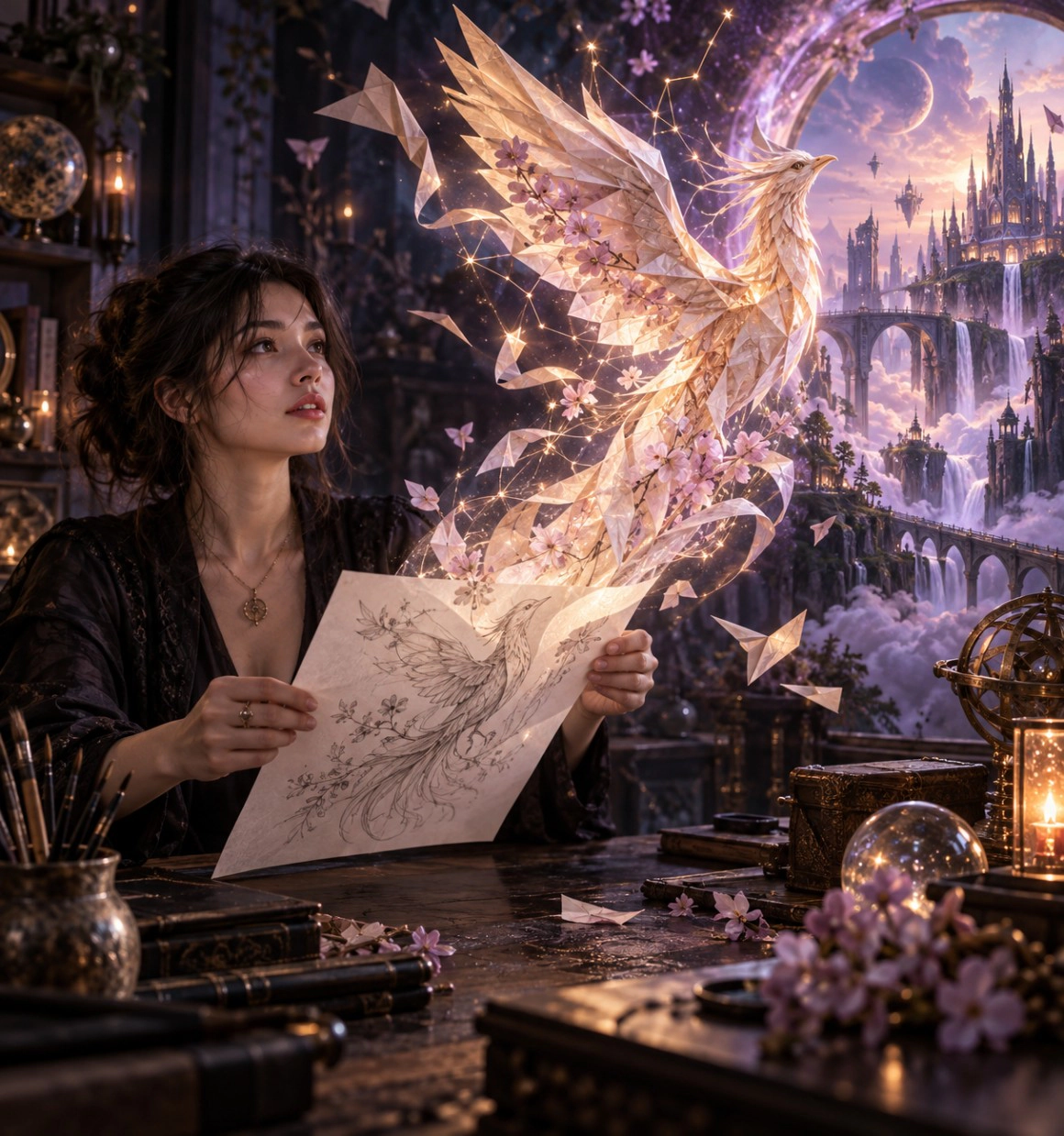
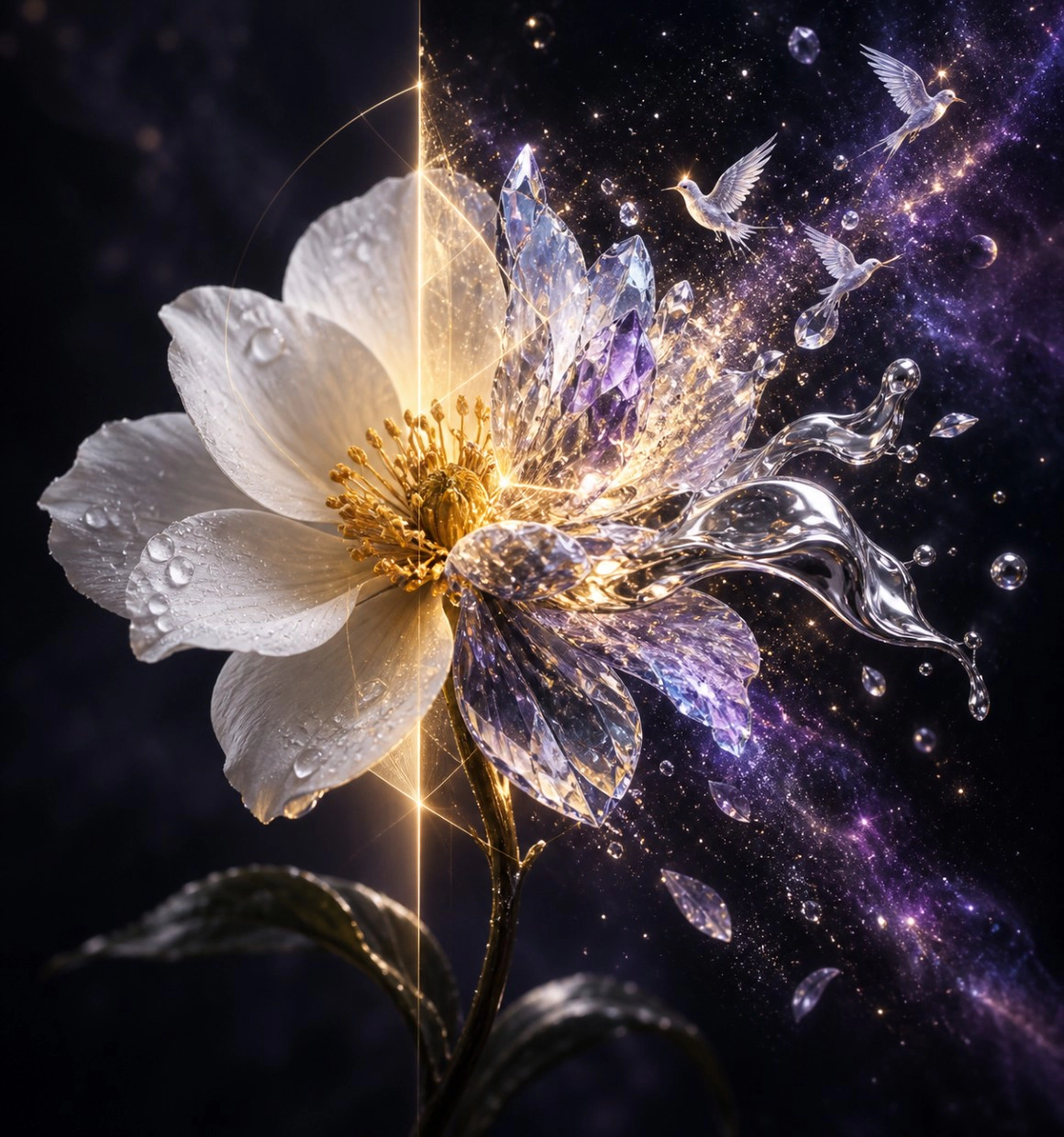
Explore realistic AI photos, poster concepts, product visuals, and stylized art created from text prompts, reference images, and different AI models. Compare how the subject, style, lighting, composition, and prompt detail shape each result.
Generate Image
Compare models for AI art, photo generation, image editing, and distinct visual styles.

Create polished visuals with detailed lighting, composition, and consistent subjects.

Edit photos with AI: replace objects, relight scenes, adjust style, and guide composition with natural-language instructions.

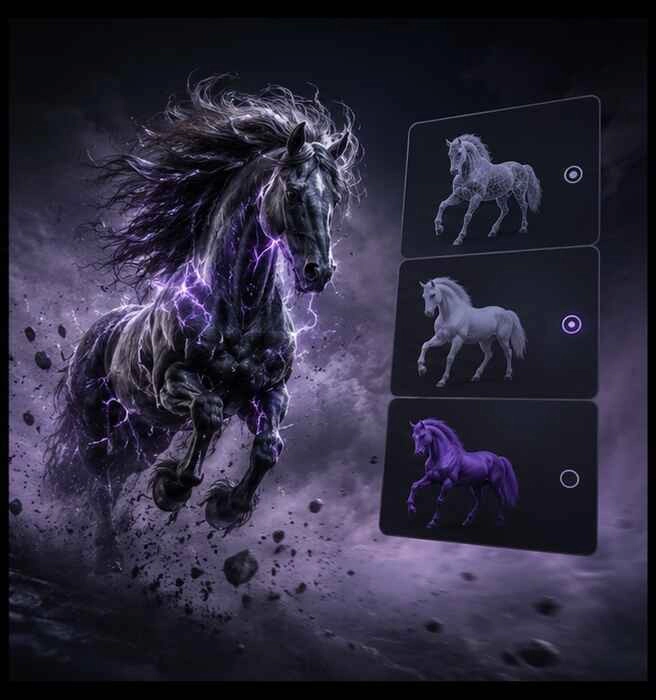
Generate image variations, compare directions, and refine the strongest result in one workflow.


Turn a written prompt into AI-generated images. Describe the subject, style, lighting, and composition to create artwork, AI photos, poster concepts, campaign visuals, and social content.
Try now
Upload a photo or reference image and use image-to-image AI to change its style, palette, atmosphere, or composition. Describe what should change and what should stay consistent, then create variations for product visuals, social assets, concept art, or campaign ideas.
Try now
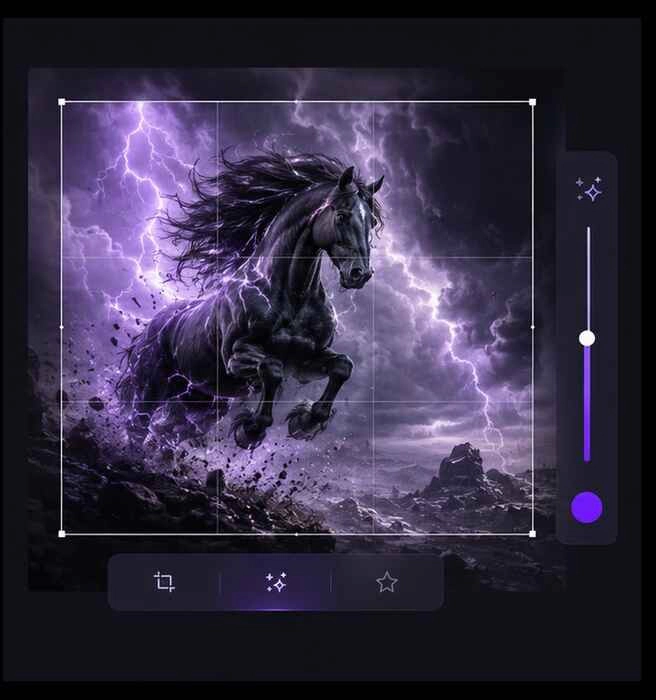
Use Creona’s AI photo editor to retouch details, replace objects, remove backgrounds, enhance photos, expand compositions with generative fill, or refine selected areas with inpainting.
Try now
Start with a text prompt or reference image, choose a model and settings, then generate, refine, and export.
Generate Image
Use text-to-image AI to create a new image from a prompt, or upload a photo for image-to-image AI editing.

Select a model, aspect ratio, and resolution for the image you want to create.

Preview the result, refine details with the AI photo editor, then download your final image.
Choose a model for photorealistic AI photos, stylized art, posters, or image editing — then create and refine every visual in one workspace.
Explore realistic AI photos, poster concepts, product visuals, and stylized art created from text prompts, reference images, and different AI models. Compare how the subject, style, lighting, composition, and prompt detail shape each result.
Generate Image
Compare models for AI art, photo generation, image editing, and distinct visual styles.

Create polished visuals with detailed lighting, composition, and consistent subjects.

Edit photos with AI: replace objects, relight scenes, adjust style, and guide composition with natural-language instructions.

Generate image variations, compare directions, and refine the strongest result in one workflow.

Turn a written prompt into AI-generated images. Describe the subject, style, lighting, and composition to create artwork, AI photos, poster concepts, campaign visuals, and social content.
Try now

Upload a photo or reference image and use image-to-image AI to change its style, palette, atmosphere, or composition. Describe what should change and what should stay consistent, then create variations for product visuals, social assets, concept art, or campaign ideas.
Try nowUse Creona’s AI photo editor to retouch details, replace objects, remove backgrounds, enhance photos, expand compositions with generative fill, or refine selected areas with inpainting.
Try now