Create AI-generated videos from text, images, or photos with AI video tools.


Create from text, images, photos, or footage with the model that fits your workflow.
Start with a prompt, image, photo, or source clip, choose a model and settings, then generate, refine, and export.
Generate Video
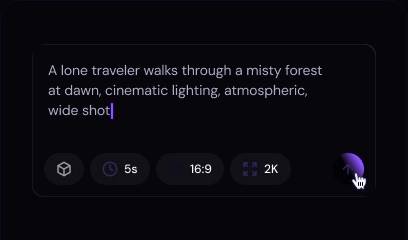
Use text-to-video for a new scene, or upload a photo for image-to-video generation.

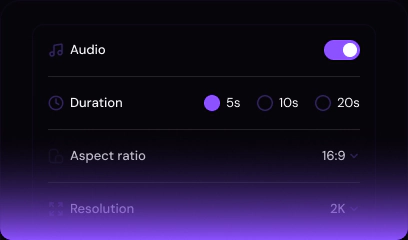
Select duration, aspect ratio, resolution, and available audio controls for your clip.

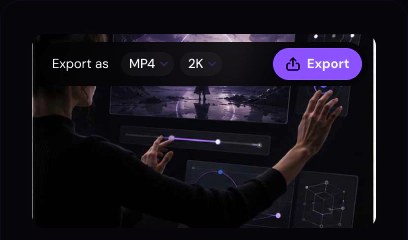
Refine the result, then render and download your AI-generated video.
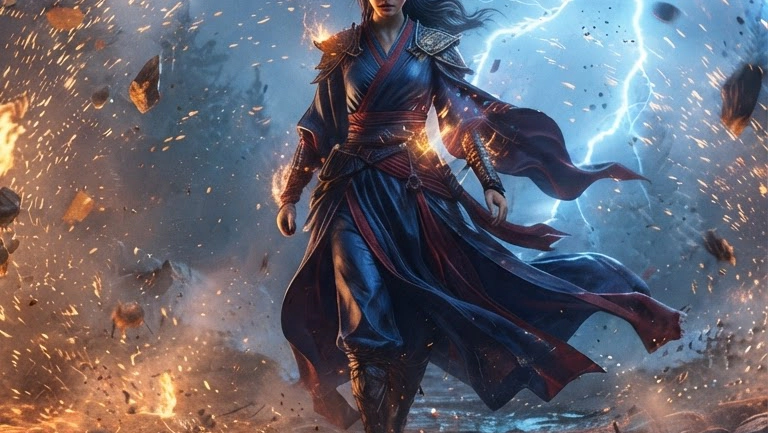
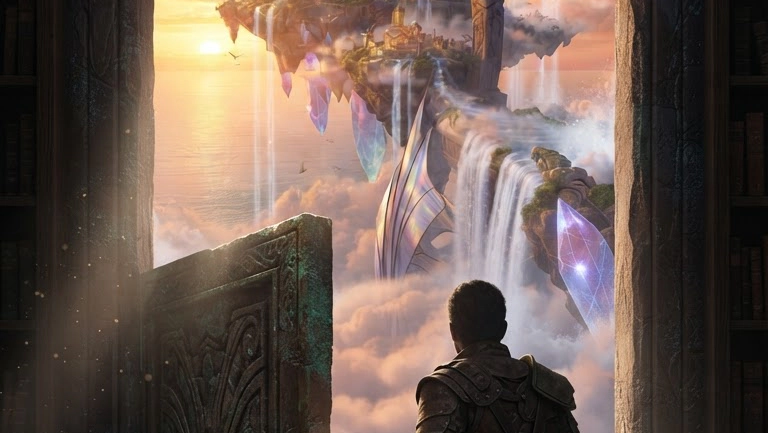
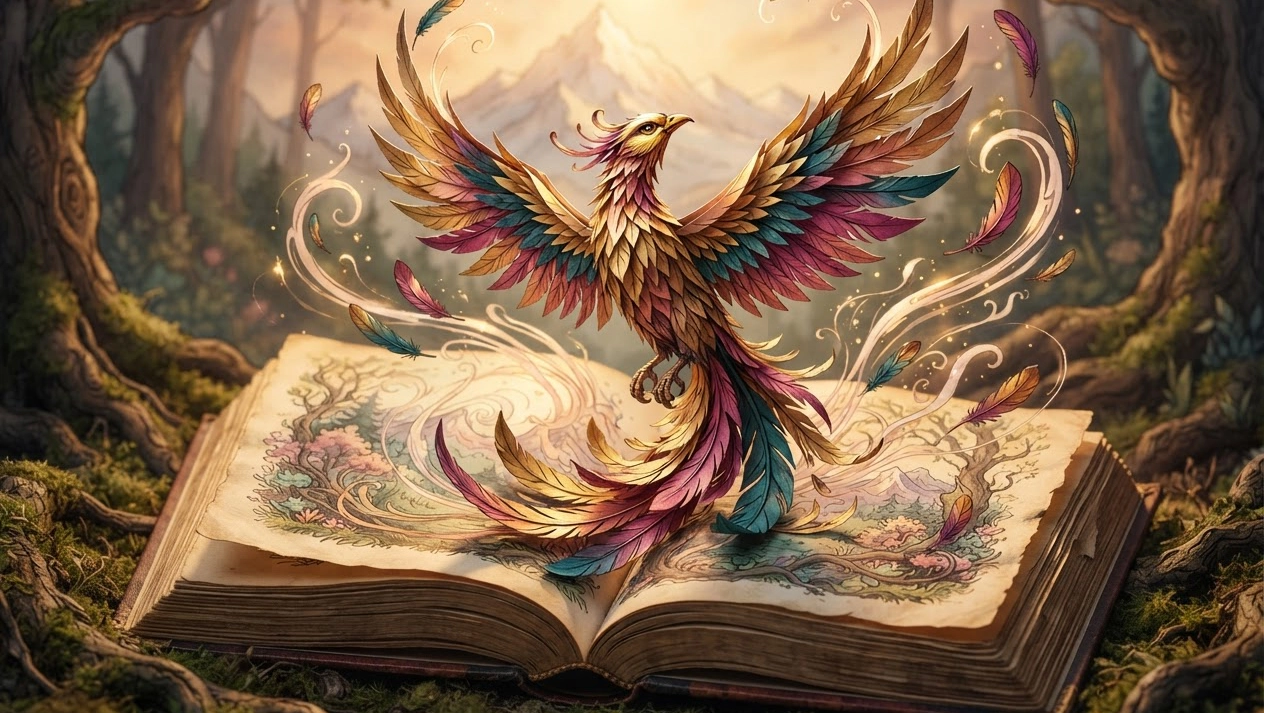
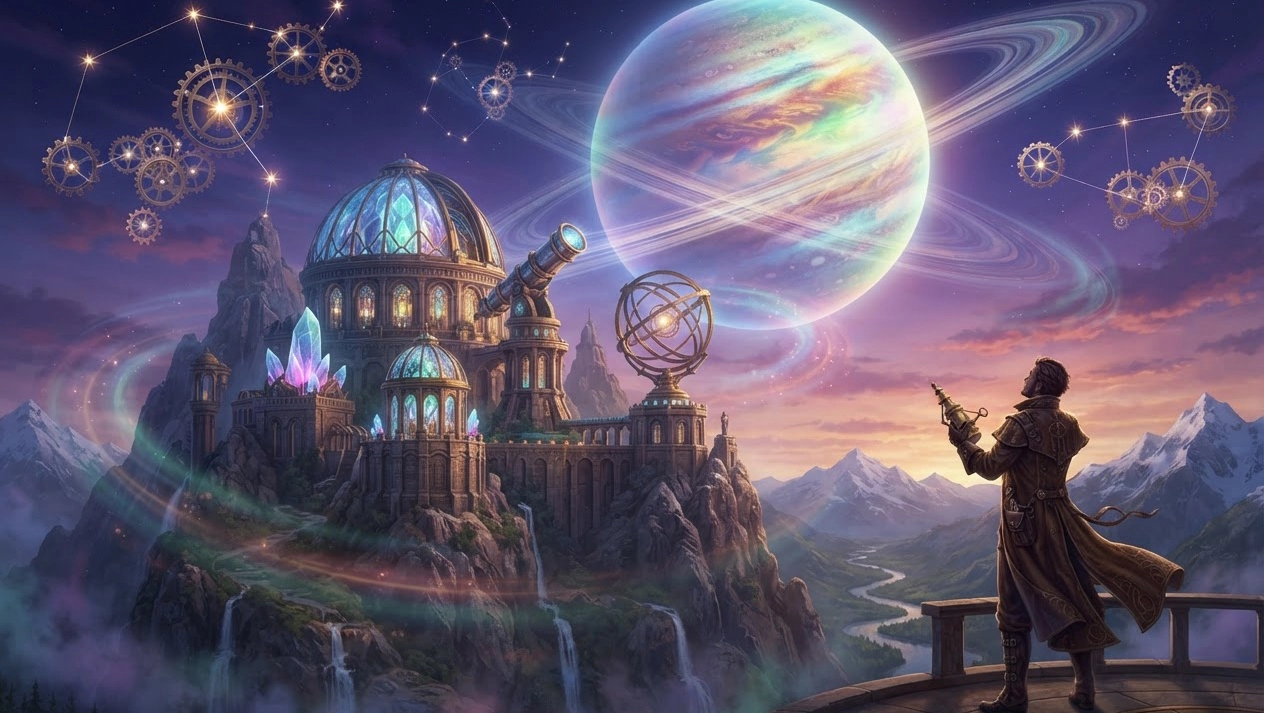
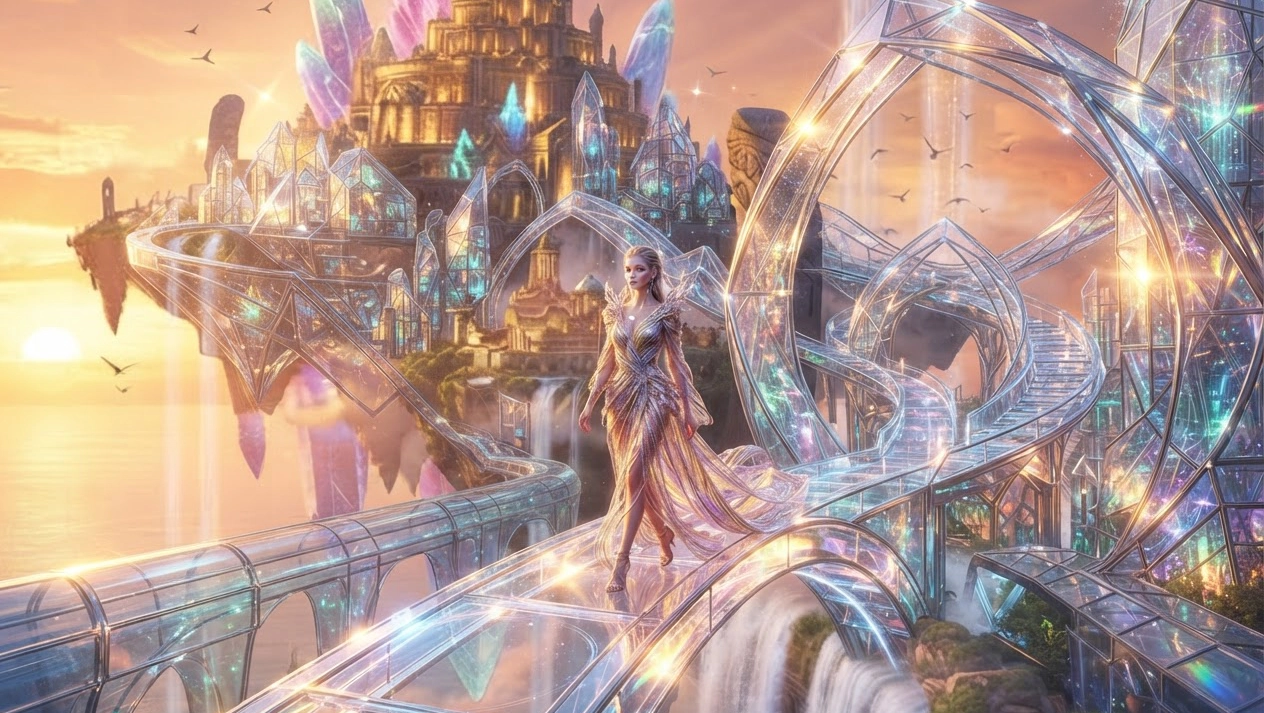
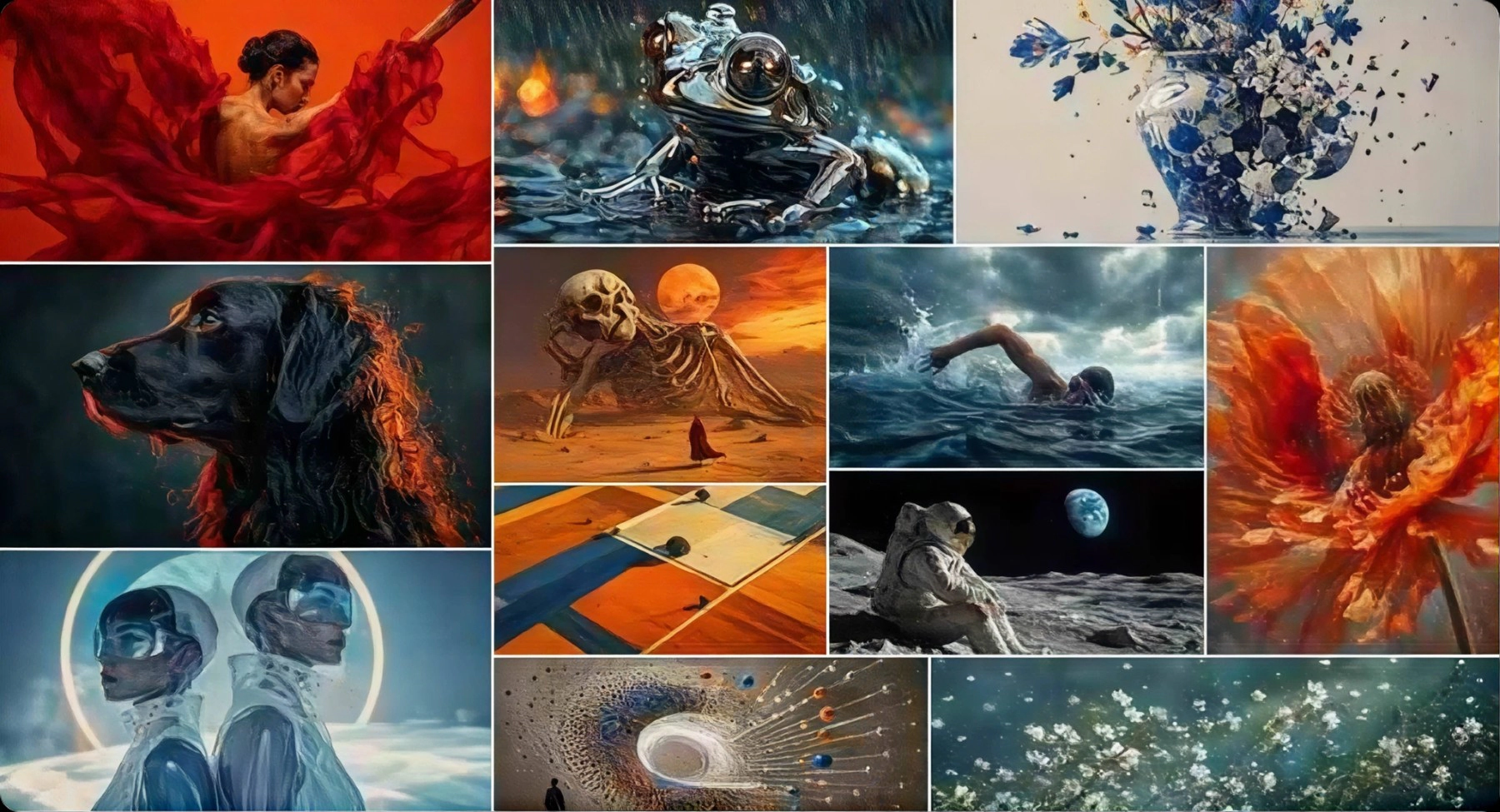
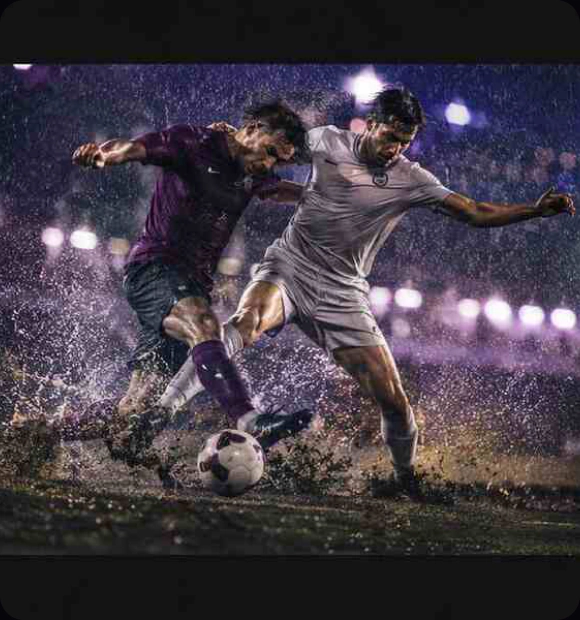
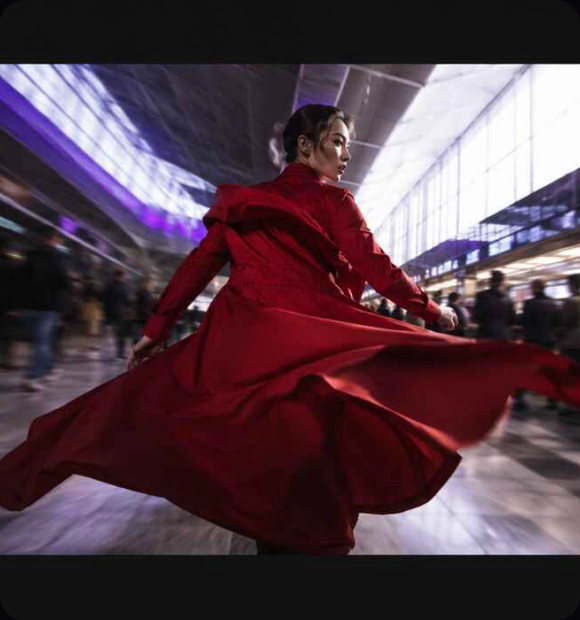
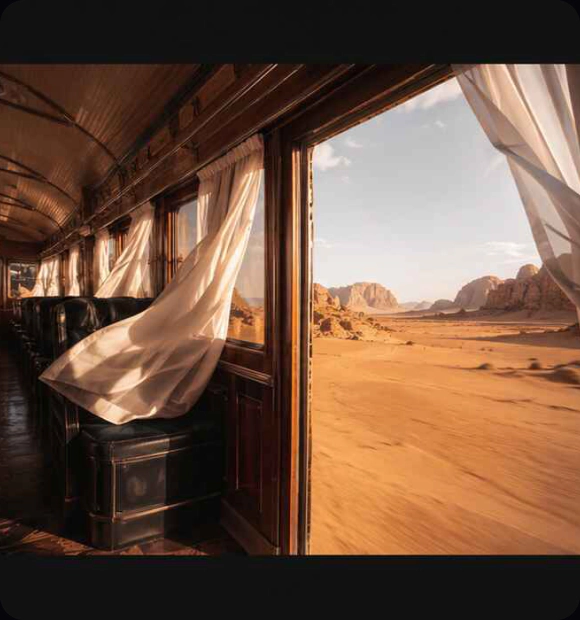
Explore cinematic scenes, product animations, and stylized clips created from text prompts, images, and existing footage.
Generate Video
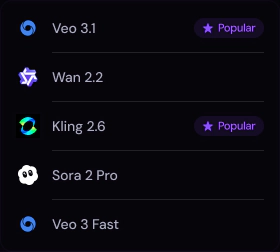
Compare models for text-to-video, image-to-video, and video-to-video workflows.

Create detailed clips with smooth motion, clear composition, and consistent visual direction.

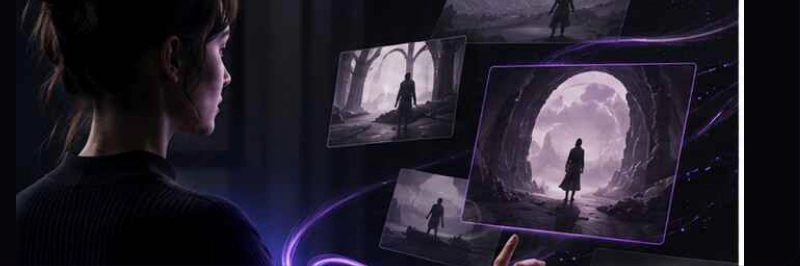
Start with a text prompt, image, photo, or footage. Choose a workflow, then guide the motion, style, and camera direction.

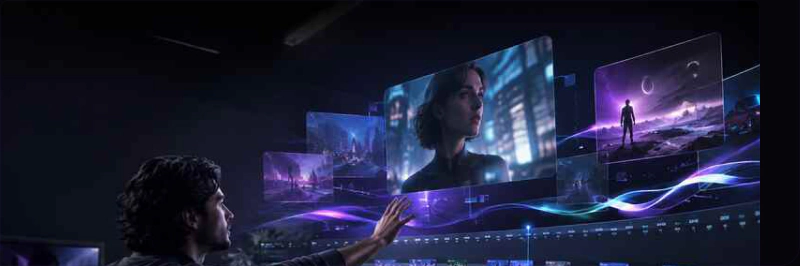
Generate clips, compare variations, and refine the strongest direction in one workflow.


Turn a written prompt into an AI-generated video. Describe the subject, action, setting, visual style, and camera movement to create clips for storytelling, ads, social media, and concept work.
Try now
Use image-to-video AI to bring a still visual to life with motion and camera direction. For photo-to-video AI, start with a product shot, artwork, or photo and create a short clip for ads, stories, or social content.
Try now
Upload existing footage and use AI video editor tools to restyle scenes, explore new visual directions, or transform a clip while keeping the source motion as your starting point.
Try now
Start with a prompt, image, photo, or source clip, choose a model and settings, then generate, refine, and export.
Generate Video
Use text-to-video for a new scene, or upload a photo for image-to-video generation.

Select duration, aspect ratio, resolution, and available audio controls for your clip.

Refine the result, then render and download your AI-generated video.
Create from text, images, photos, or footage with the model that fits your workflow.
Explore cinematic scenes, product animations, and stylized clips created from text prompts, images, and existing footage.
Generate Video
Compare models for text-to-video, image-to-video, and video-to-video workflows.

Create detailed clips with smooth motion, clear composition, and consistent visual direction.

Start with a text prompt, image, photo, or footage. Choose a workflow, then guide the motion, style, and camera direction.

Generate clips, compare variations, and refine the strongest direction in one workflow.

Turn a written prompt into an AI-generated video. Describe the subject, action, setting, visual style, and camera movement to create clips for storytelling, ads, social media, and concept work.
Try now

Use image-to-video AI to bring a still visual to life with motion and camera direction. For photo-to-video AI, start with a product shot, artwork, or photo and create a short clip for ads, stories, or social content.
Try nowUpload existing footage and use AI video editor tools to restyle scenes, explore new visual directions, or transform a clip while keeping the source motion as your starting point.
Try now